Ignored Endpoints
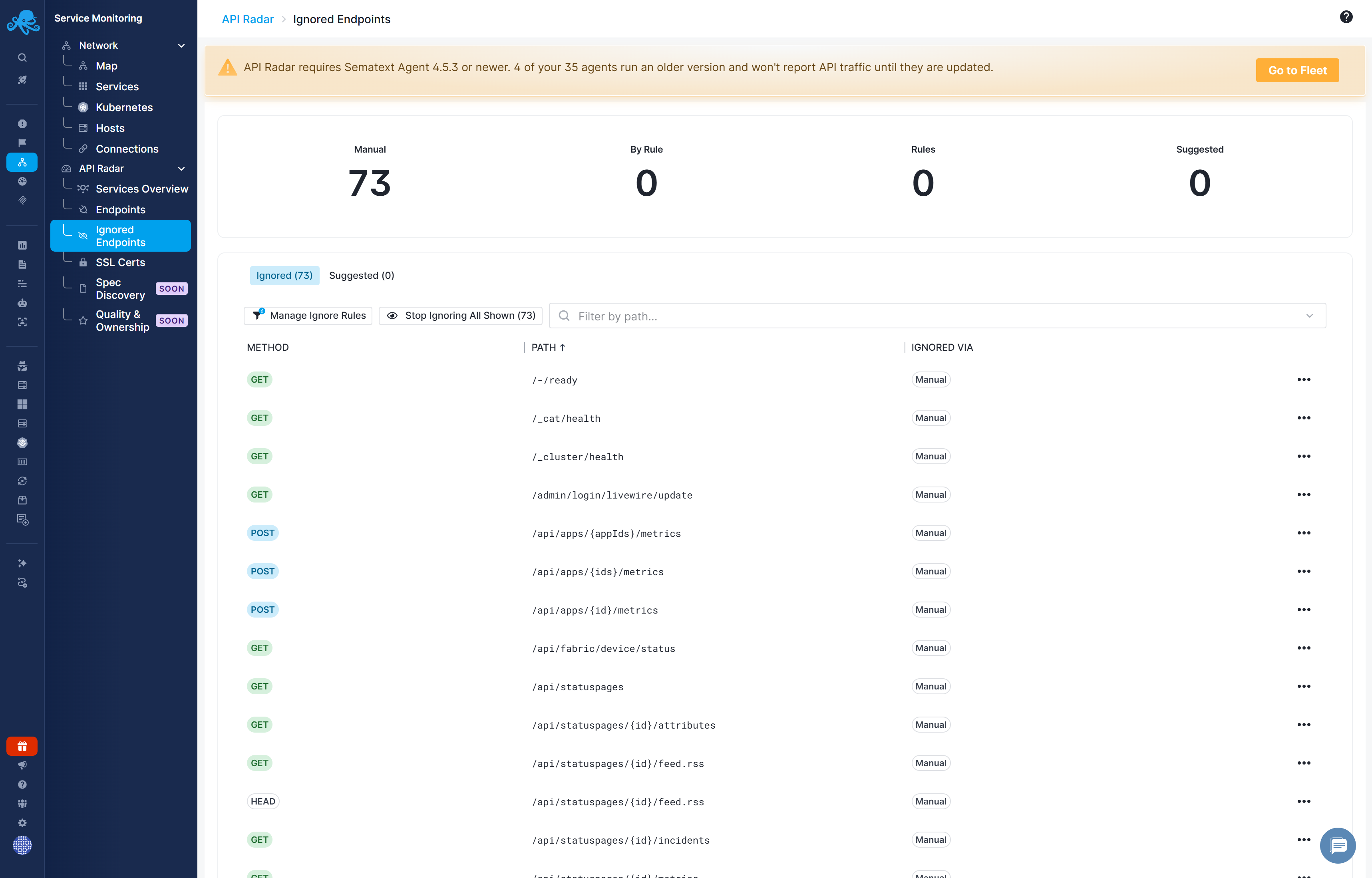
Use Service Monitoring → API Radar → Ignored Endpoints to review ignored entries and suggestions such as health checks. Ignored endpoints are excluded from the main reports, charts, and alert rule evaluation. Use this for health-check endpoints such as /health and /healthz, readiness-probe endpoints such as /ready, and similar endpoints whose traffic would add noise to reports. Ignoring an endpoint does not block API requests.
Ignore an endpoint
In Endpoints, open a row's menu and select Ignore Endpoint. Use Ignore All Shown to act on the currently shown list; review the active search and filters before applying a bulk action.
Open Ignored Endpoints to review the ignored entries. Use Unignore Endpoint to include an endpoint in the main reports and alert rule evaluation again.
Suggested noise
Suggested endpoints appear in the Suggested tab next to the Ignored tab above the endpoints table. The suggestions identify common health-check and probe paths, such as /health, /healthz, /ready, /ping, /metrics, /status, and /live. Review suggestions before ignoring them; these paths can still be important for an investigation.
Ignore rules
On the Ignored Endpoints page, click Manage Ignore Rules above the table, to the left of the bulk action and path filter. Path-based rules let you handle a class of endpoints together. For example, a rule containing /health can cover matching health-check paths across services.
When adding a rule, review the matching entries and choose whether to apply it to existing endpoints too or only endpoints discovered later. When removing a rule, review whether affected endpoints should be restored or remain individually ignored.