Thresholds & Alerts
API Radar uses configurable thresholds to highlight endpoint error rates and latency in reports. These settings help you spot endpoints that need attention; alert rules separately determine when an alert is triggered.
Metric thresholds
Open Services Overview or Endpoints, then click Thresholds in the top-right toolbar. Set warning and critical levels for Error Rate, p95 Latency, and p99 Latency, then click Save Changes. Error rate is measured as a percentage and latency in milliseconds.
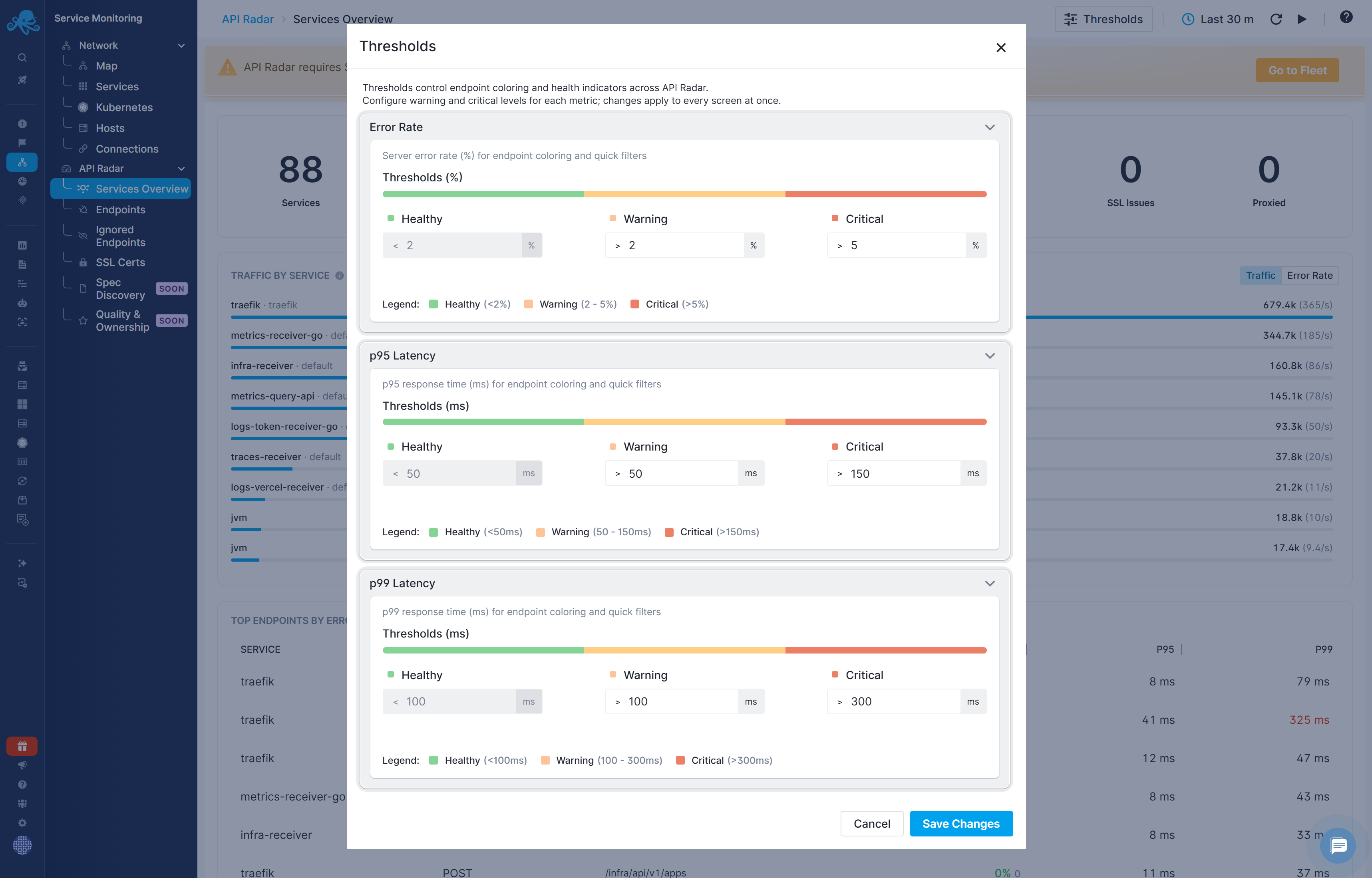
These thresholds determine the Healthy, Warning, and Critical classifications used for endpoint metric coloring and the Quick Filters in the Endpoints filter panel. Changes apply across API Radar reports.
For example, with the p99 critical threshold set to 300 ms, a p99 value of 311 ms appears red in the endpoint table. Changing this threshold updates the report coloring and filtering; it does not change the threshold configured in an alert rule.
Default alert rules
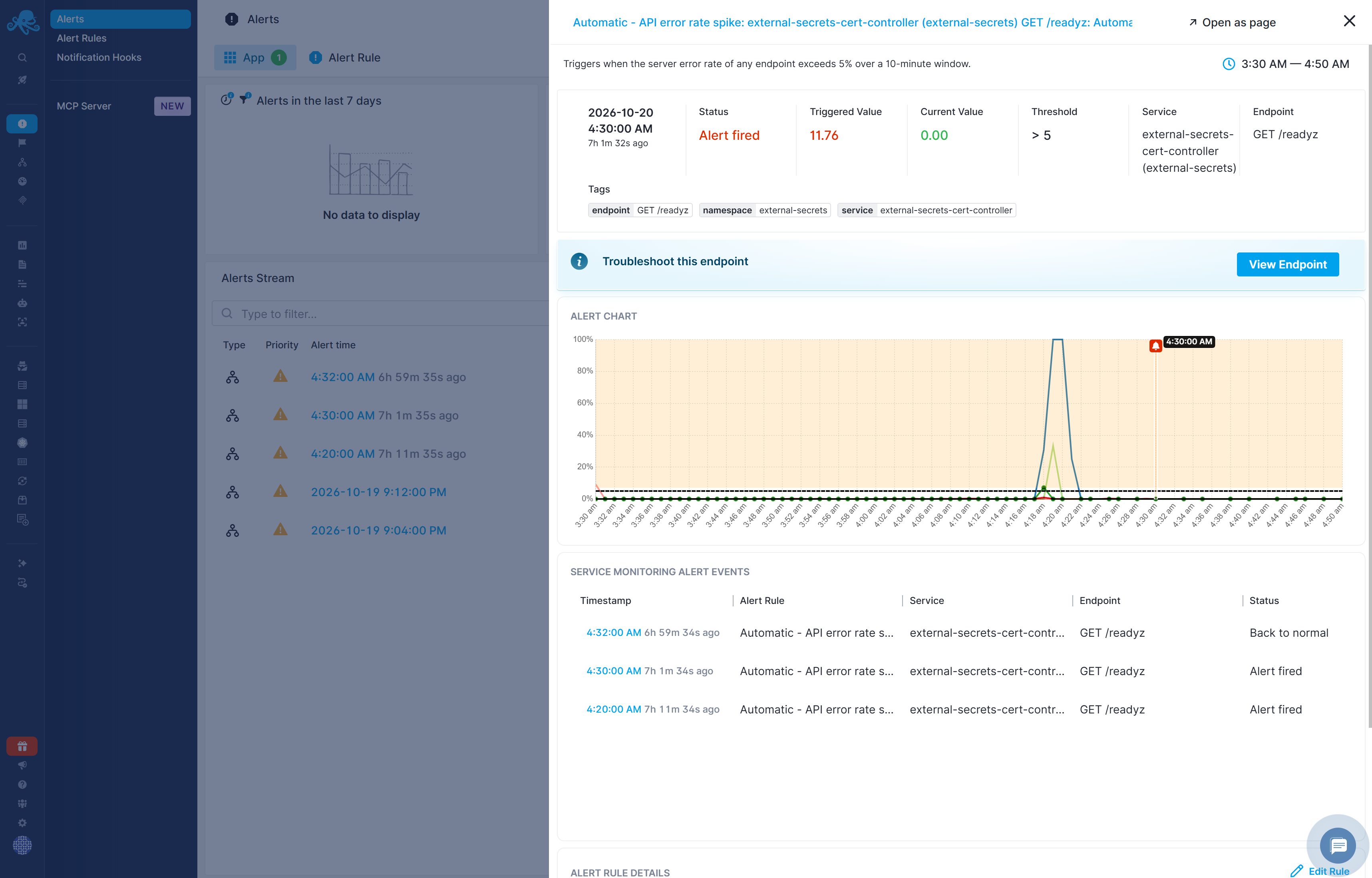
API Radar provides five account-level default rules. With no specific services or endpoints selected, they apply across services and endpoints in the account. Each triggered alert identifies the specific service and endpoint that met the condition. All five exclude endpoints marked as Internal.
Automatic - API error rate spike, Automatic - SSL certificate expiring, and Automatic - No auth header observed are enabled by default. The p95 and p99 latency rules are disabled by default; see Set latency thresholds for your services for why and how to configure them.
| Rule | Condition | Analysis window | Priority | Enabled by default | Minimum notification interval |
|---|---|---|---|---|---|
| Automatic - API error rate spike | An endpoint's server error rate exceeds 5%. | 10 minutes | Error | Yes | 10 minutes |
| Automatic - SSL certificate expiring | An observed TLS certificate expires within 28 days. | 1 hour | Warning | Yes | 24 hours |
| Automatic - No auth header observed | An endpoint is called without an Authorization header. | 10 minutes | Warning | Yes | 1 hour |
| Automatic - API p95 latency | An endpoint's p95 latency exceeds 1,000 ms (1 second). | 10 minutes | Warning | No | 10 minutes |
| Automatic - API p99 latency | An endpoint's p99 latency exceeds 2,000 ms (2 seconds). | 10 minutes | Warning | No | 10 minutes |
The analysis window defines the period the rule examines. The minimum notification interval limits how often repeated notifications can be sent; it is not the analysis window or a guarantee of delivery at that interval.
Set latency thresholds for your services
Expected latency varies between services and endpoints. A response time that is normal for one operation may indicate a problem for another, so the default p95 and p99 rules are provided as examples and remain disabled until you enable them.
Duplicate a latency rule, select the service or endpoint it should apply to, and configure a threshold appropriate for that operation. Review the analysis window and notification settings, then enable the rule. Create separate alert rules for services or endpoints that need different latency alert thresholds.
Notifications and recovery
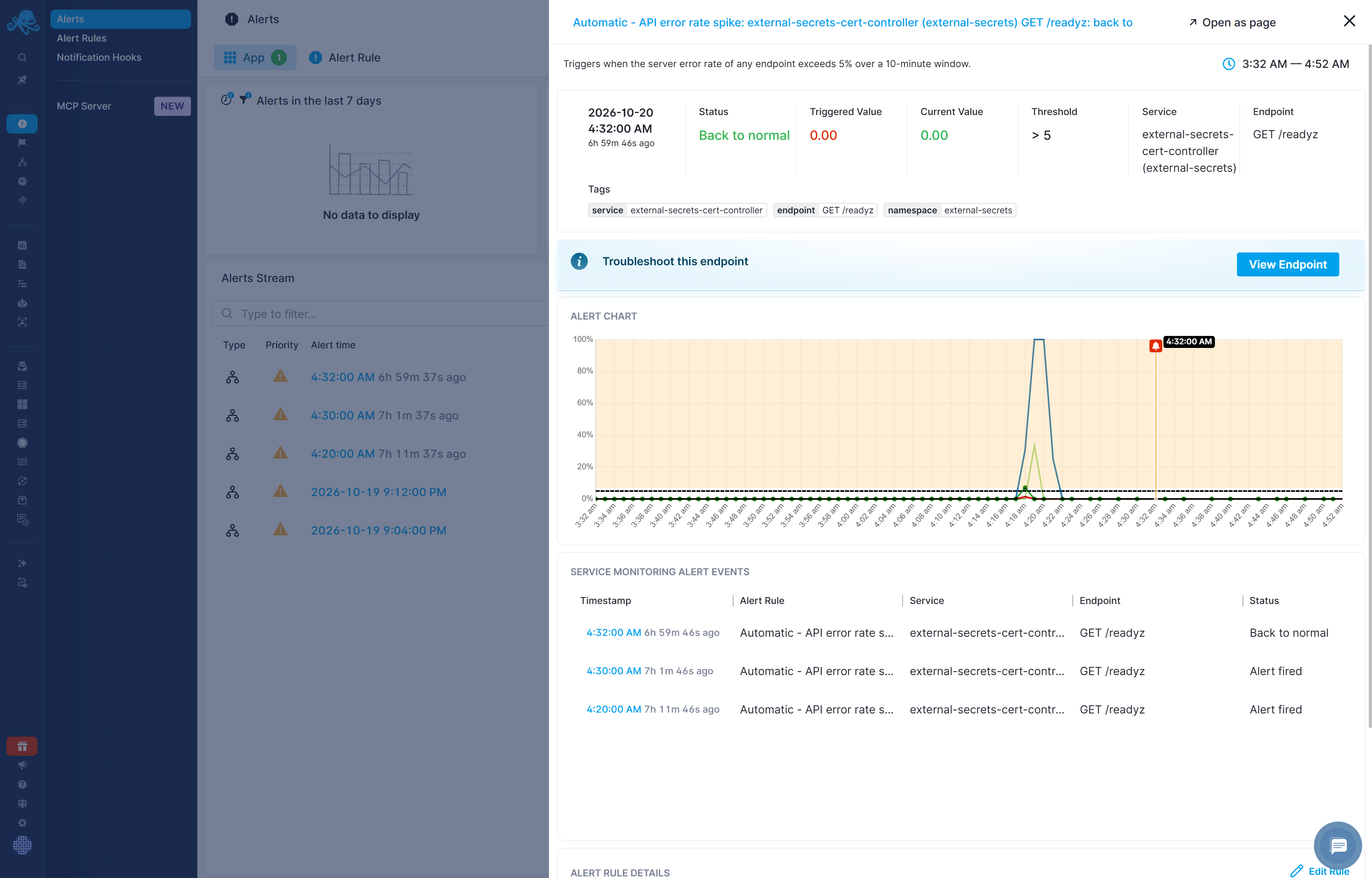
All five default definitions have notifications and back-to-normal notifications configured.